Introduction
|
|
|


Thank you for using Argus Monitor.
Argus Monitor is an very powerful tool, featuring many options but is still very easy to use. It enables you to monitor the different hardware of your computer, control some of it to make you PC more silent and can even issue a warning in case problems with temperatures or data integrity arrise.
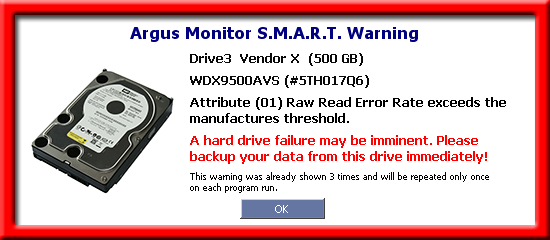
Many if not all computer users experience data loss due to hard drive failure at one point in time. If you're lucky, you will notice error messages while accessing your files and will be able to save some of your data to another drive before the failing one stops working completely.
More detailed information about the S.M.A.R.T. technology and how Argus Monitor can give you a warning before your hard drive fails to prevent data loss can be found in Hard Disks / S.M.A.R.T. / Benefits.
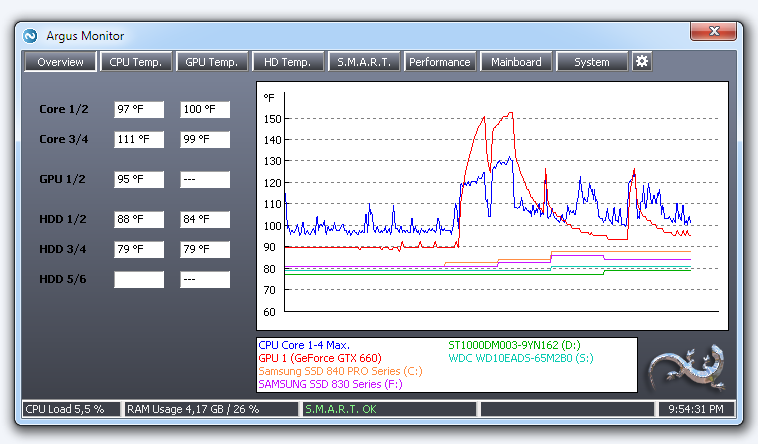
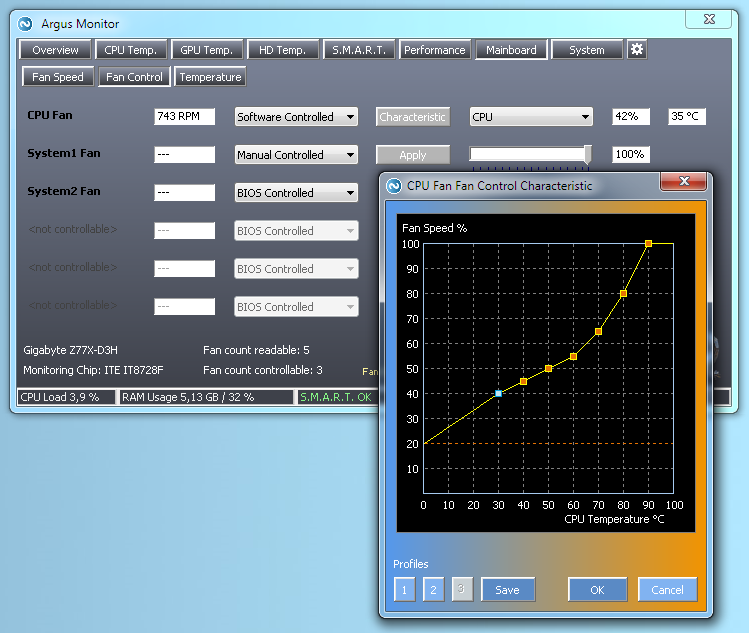
Argus Monitor monitors temperatures of CPU, graphics card(s), hard disks and fan speeds. Advanced options include the monitoring of turbo boost and CPU frequency as well as the control of the speeds of GPU and mainboard fans.
Argus Monitor program features